
The back office for your label
One workspace for the release plan, the roster and the catalogue, and the money that follows them. Plan what is coming out, keep every artist and contract beside their releases, and issue statements from sales you have already matched.
What it covers
Everything below is in the product today.
Dashboard
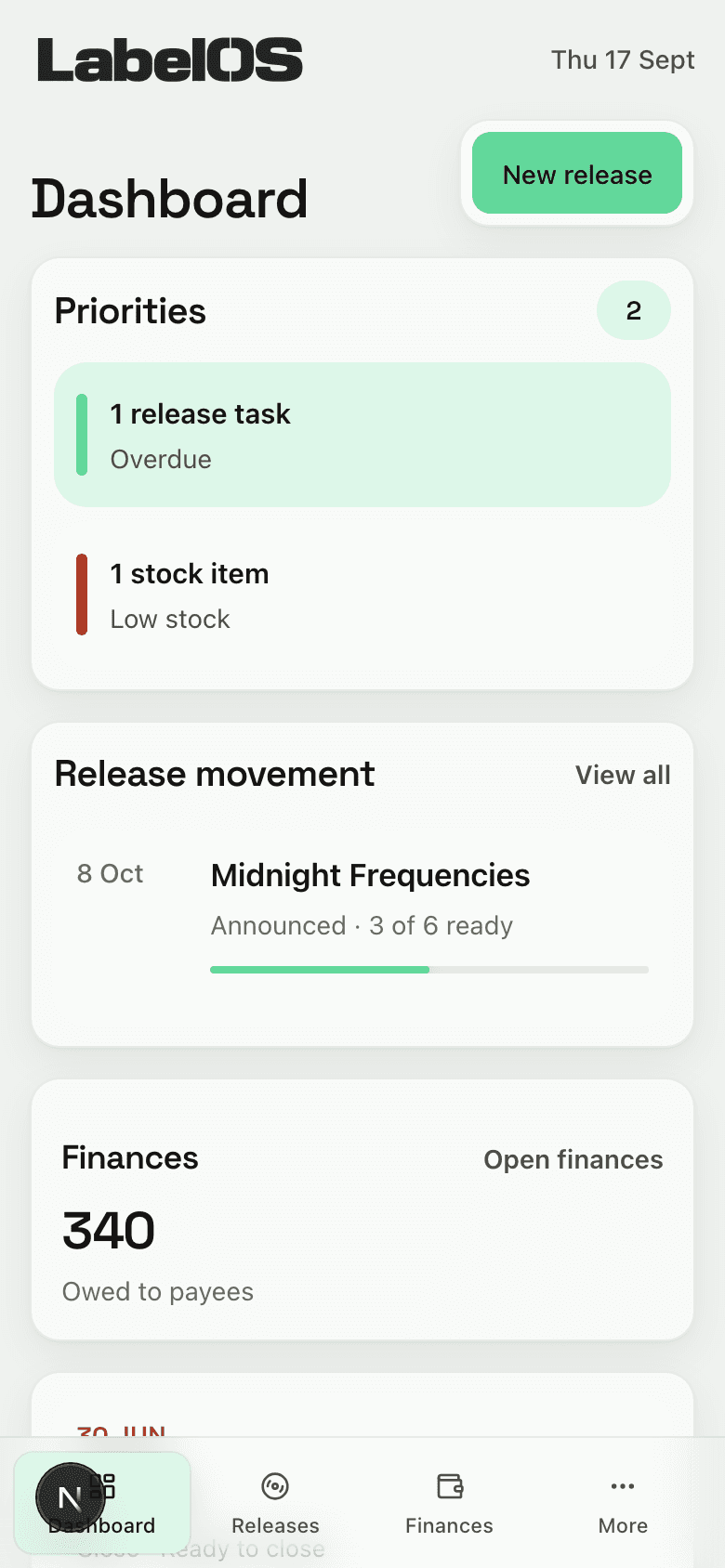
- What is due this week, and what has slipped
- The releases, sends, tasks and periods that need you
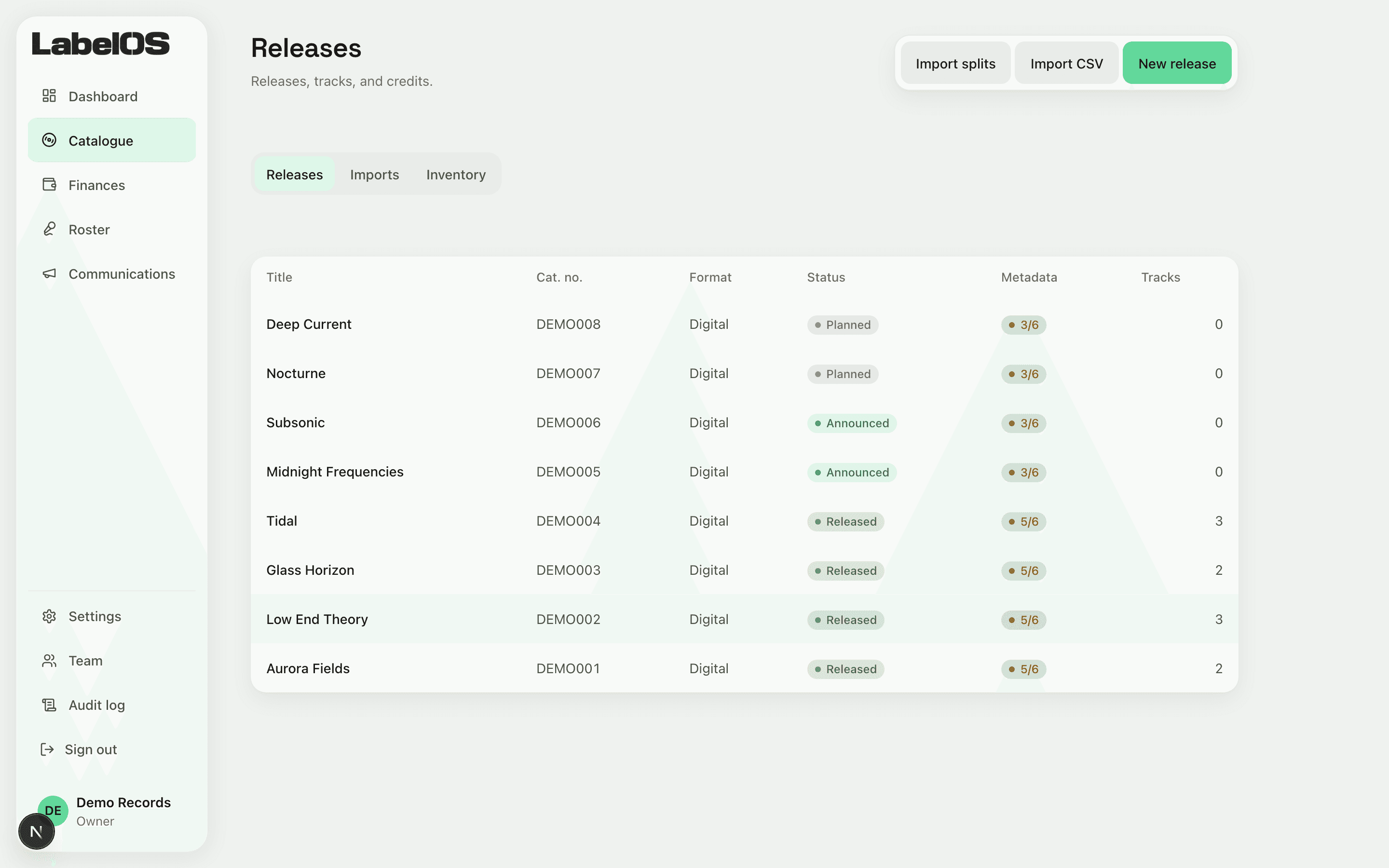
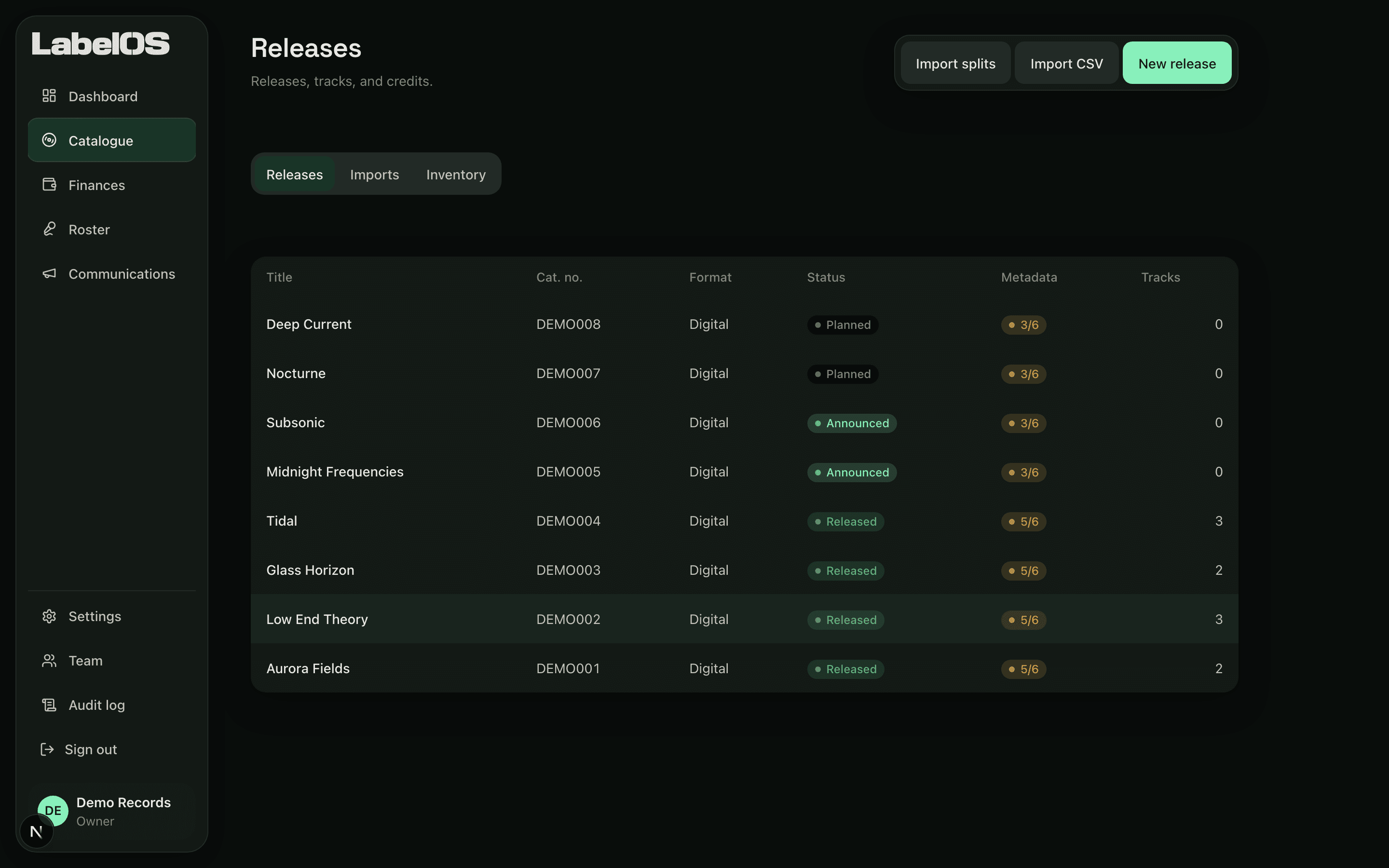
Catalogue
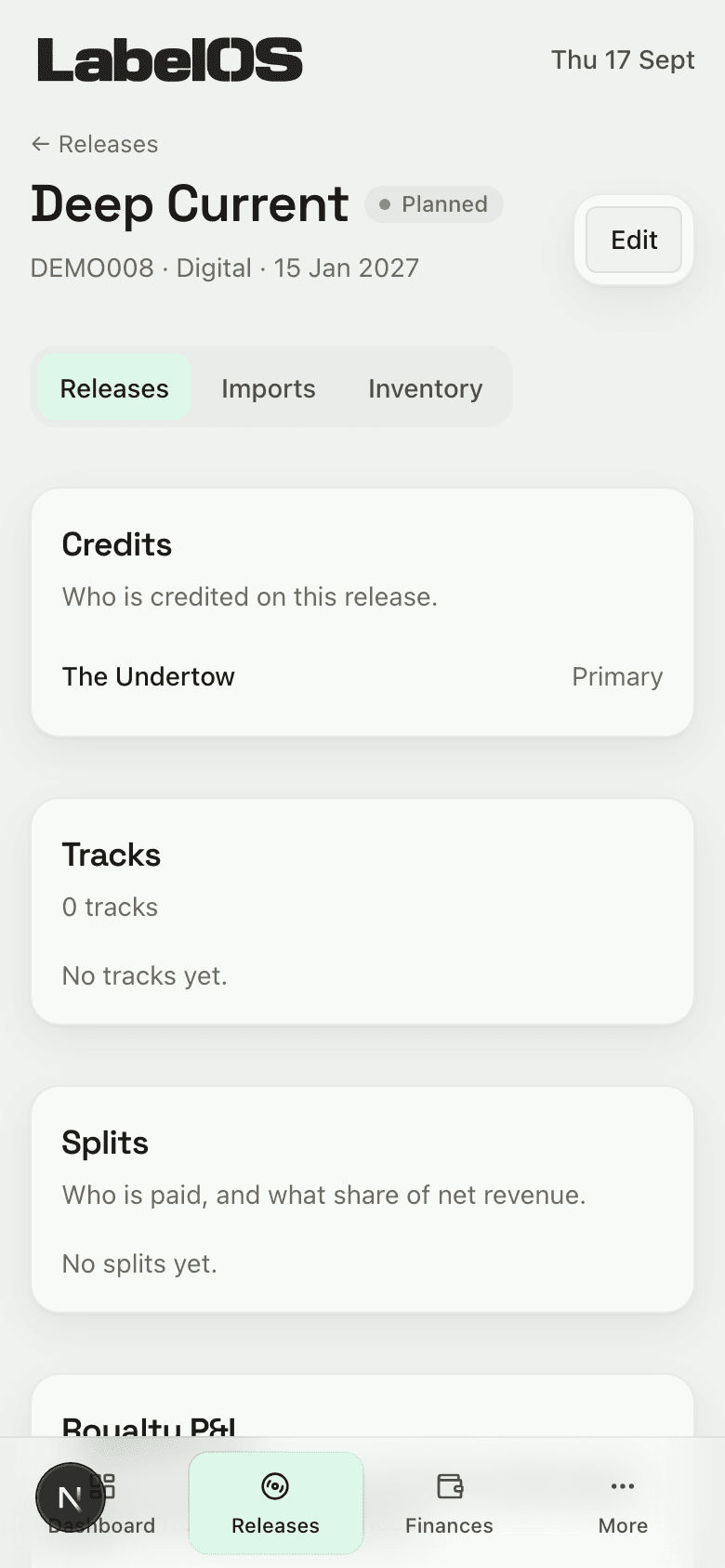
- Releases, tracks and credits
- Splits and deal terms for every track
- Costs and advances, and what is still to recoup
- Stock for physical runs
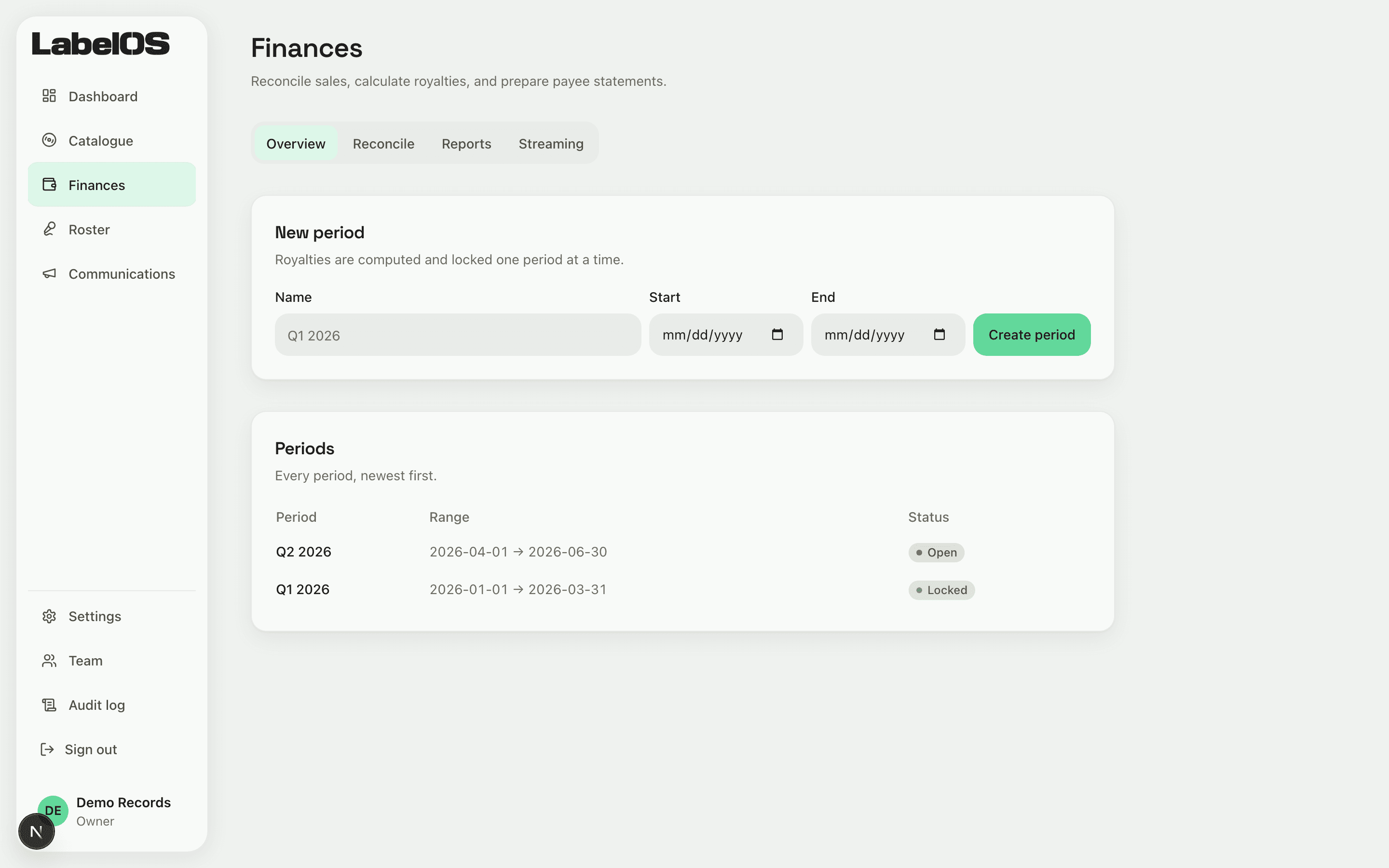
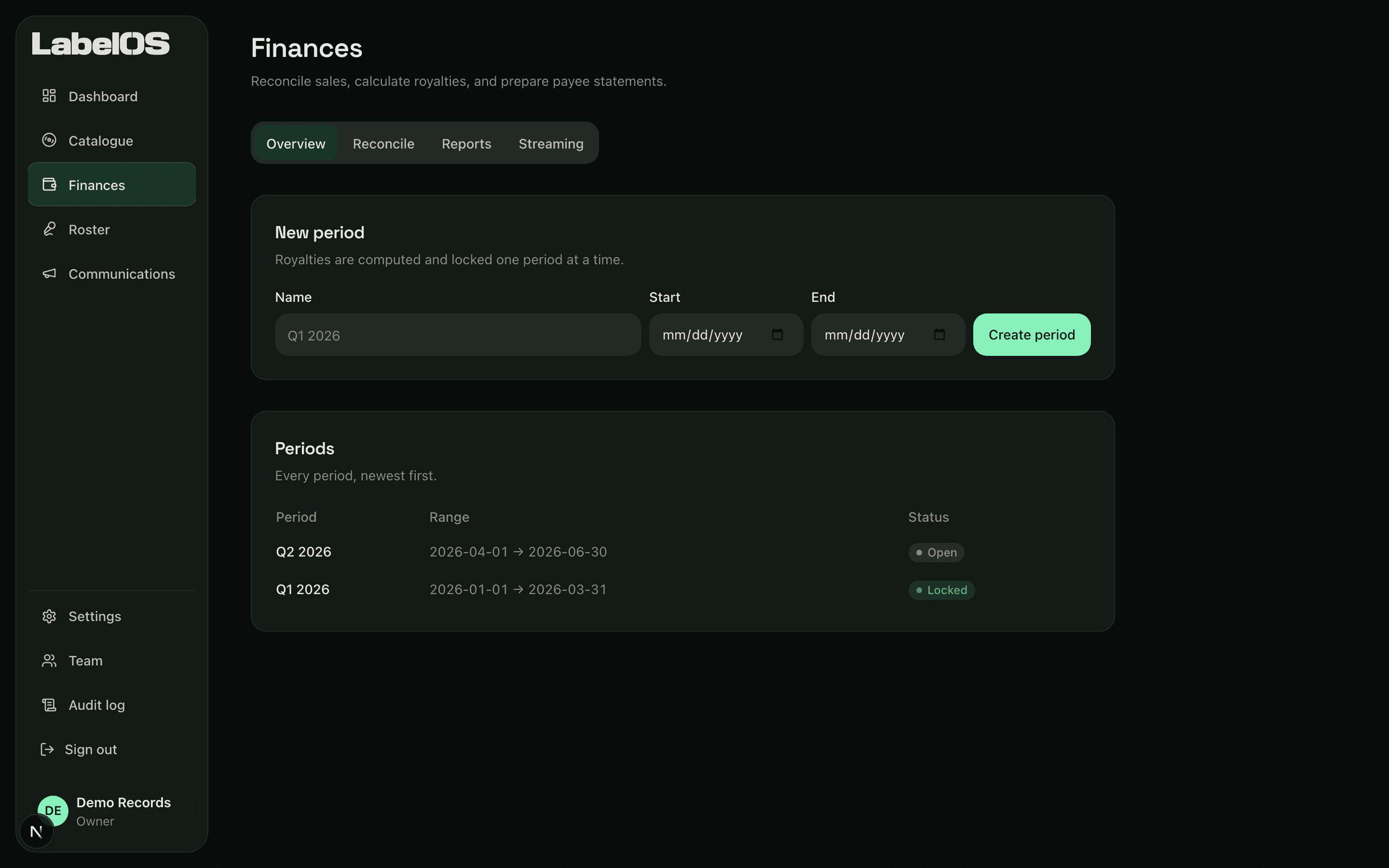
Finances
- Import distributor statements and match them to your releases
- Royalties worked out per period, from sales you have already checked
- Statements for every payee, with each figure traceable
- Payouts recorded, and exports for your accountant
- Foreign currency at the day it arrived
Roster
- Artists, and who is signed to what
- Contracts, with the dates that matter
- A pipeline from first contact to signing
- A portal where artists read their own statements
Communications
- Events, from enquiry to confirmed
- Mix series, episodes and guests
- Content planning
- An outbox where nothing sends without your approval
Admin
- Team roles and permissions
- Language, currency and date formats, per label
- Your agenda in a calendar feed
- Google Calendar and Tasks
From release planning to royalty statements
Plan the release
Catalogue entries, track metadata and the milestones that actually gate a release, in one place.
Match the sales
Import distributor statements and match every line to the right title. Confirm a mapping once and it applies to future imports.
Settle the period
Compute royalties from matched sales, lock the period, and issue payee statements with a trail behind every figure.
When an artist asks, the answer is already there
- Every organisation is scoped, with access enforced in the database
- Catalogue and finance changes land in an append-only audit trail
- Payouts are recorded, never moved
The same label, on a phone
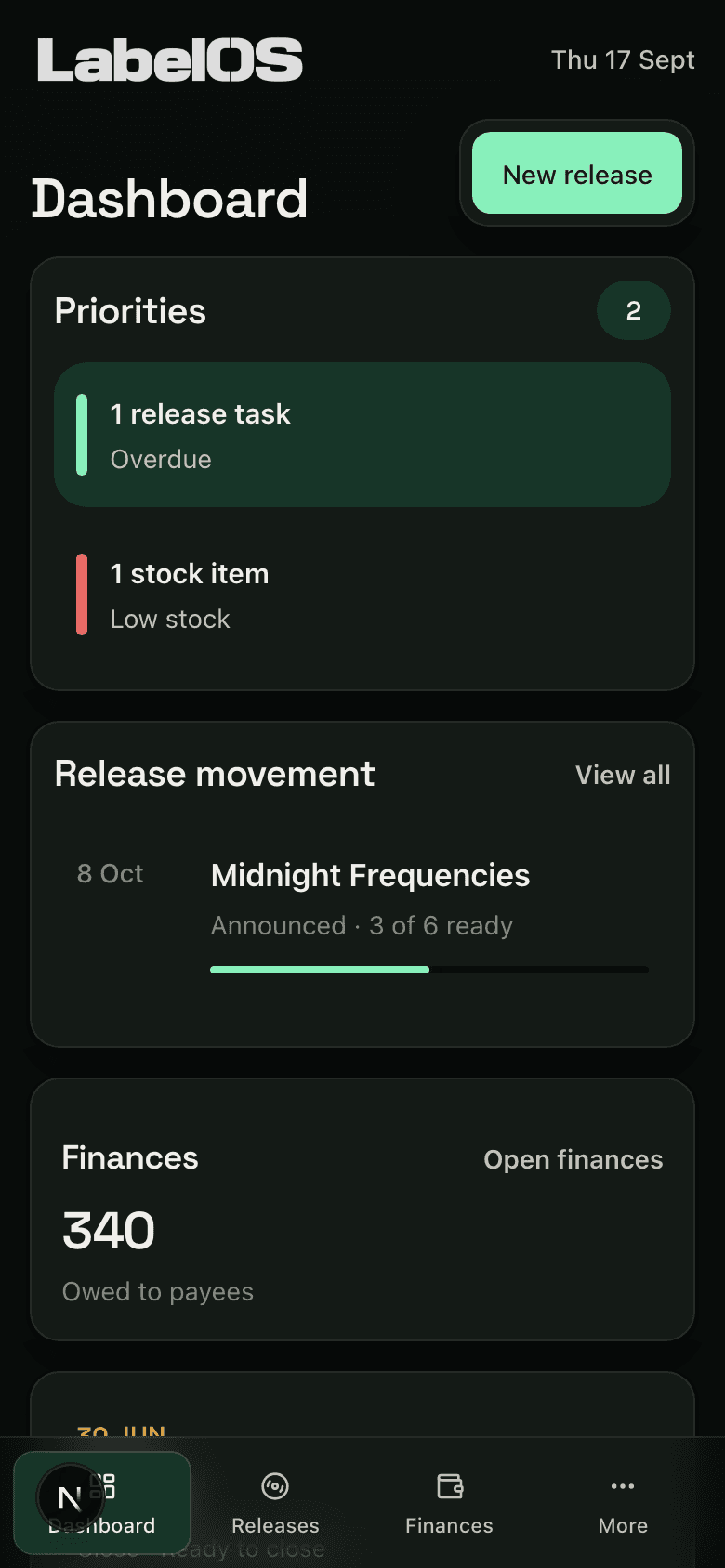
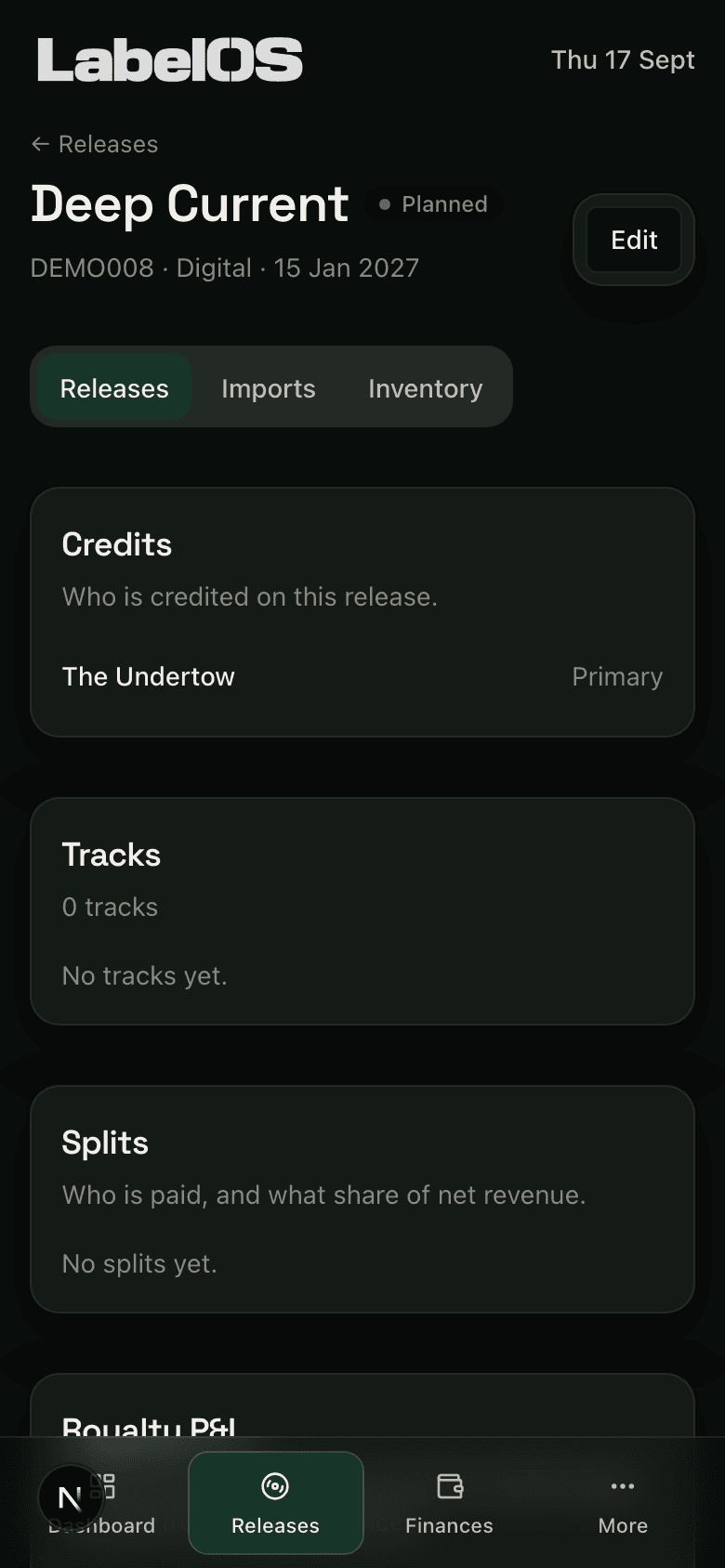
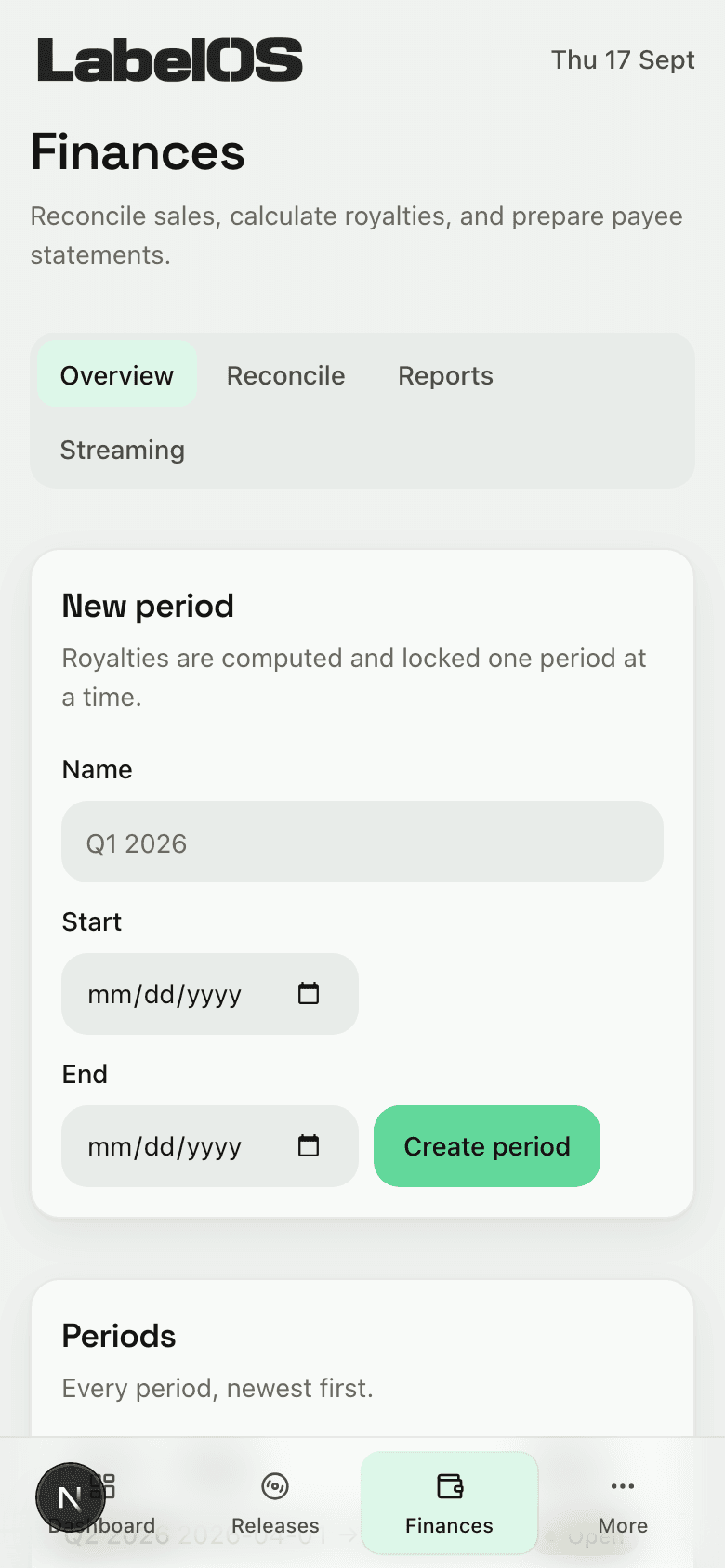
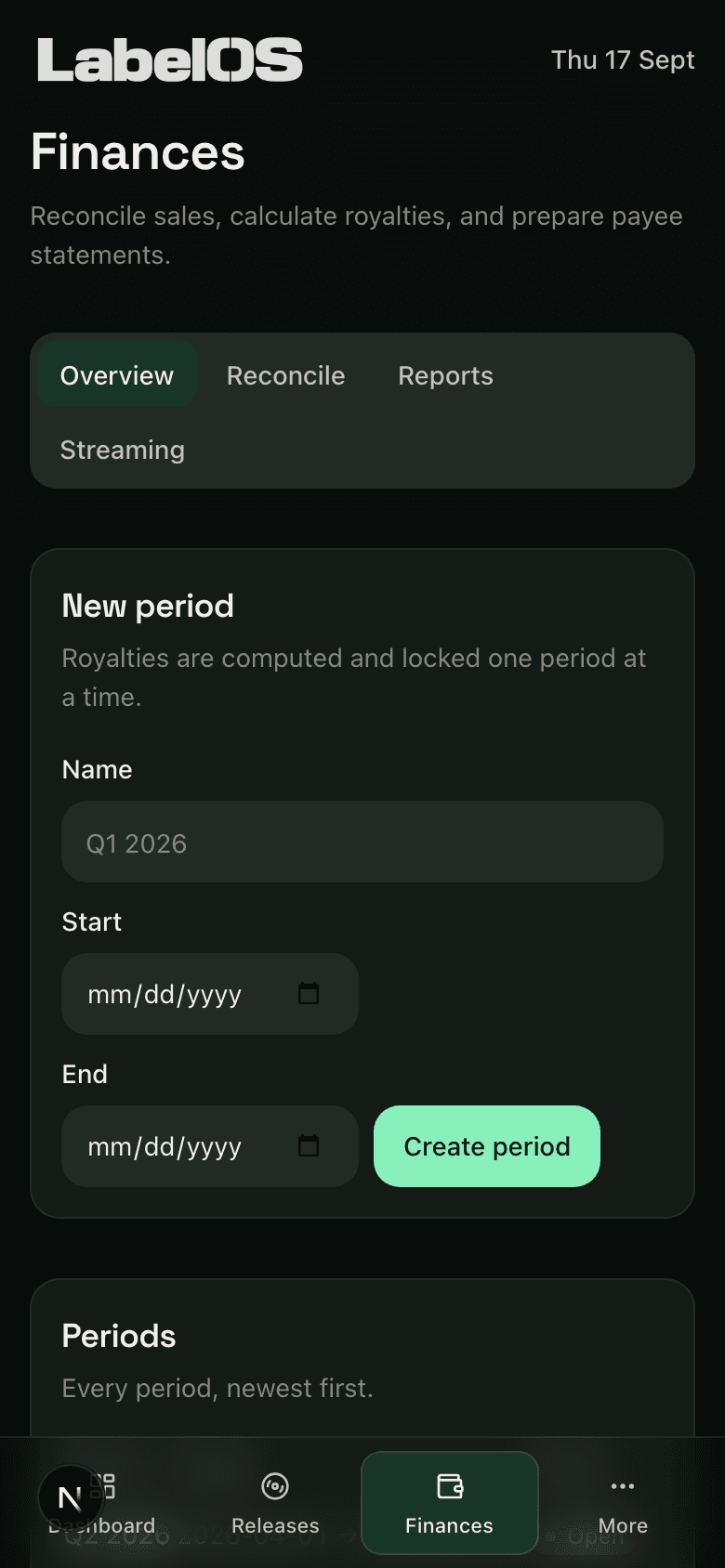
The agenda, the catalogue and the money at 390 pixels. Nothing important is desktop-only.
In private test
Access is by invitation while the product is validated with a few labels.